

This page is a structured overview of Janis Ozolins Explain Ideas Visually, based on the supplied course archive and file index. Browse more curated training through Courses On Budget or the Design Courses Cheap list.
Janis Ozolins Explain Ideas Visually: What This Course Covers
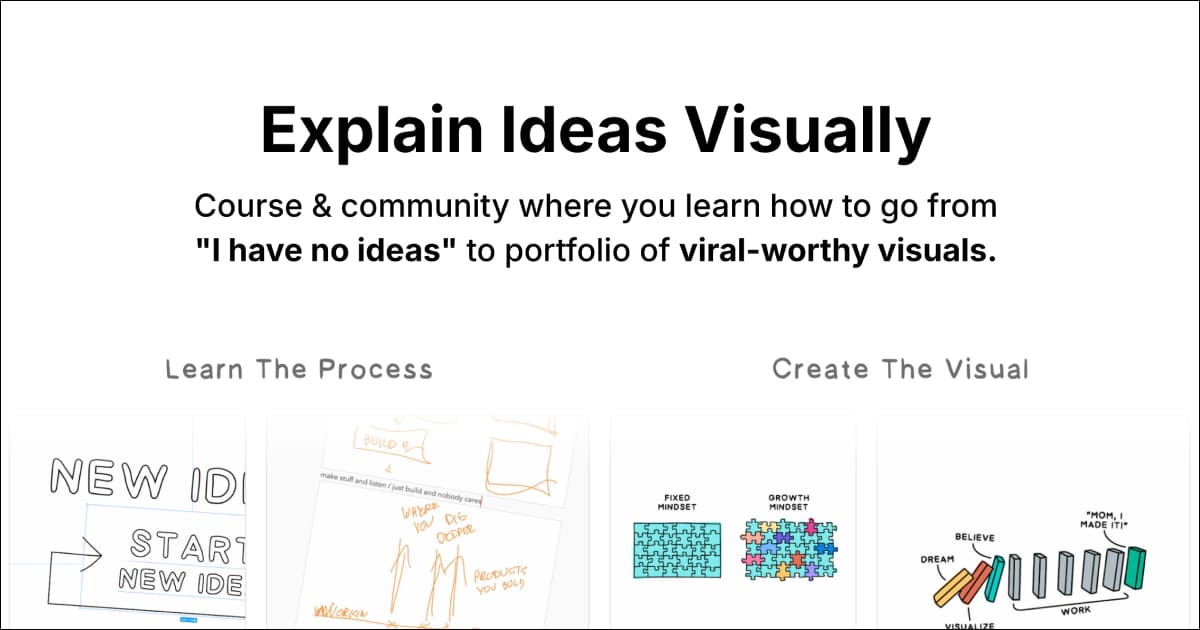
A compact visual-thinking course focused on capturing ideas, working with them and turning them into understandable visual concepts, with behind-the-scenes demonstrations in Figma, Affinity Designer and Procreate.
The key advantage here is visibility: instead of buying from a vague summary, you can inspect the real structure below, including the supplied file names and archive organization. For current availability, use the official product listing: view Explain Ideas Visually.
What You Will Work Through
Why the Full Index Matters
| What you need to evaluate | What this page shows |
|---|---|
| Course scope | The supplied folders, lessons, documents and resources are listed below. |
| Practical depth | Named modules and individual files let you judge whether the curriculum matches your goal. |
| Related learning | Internal links connect this course to complementary programs in the same catalog. |
| ▶ |
See a real lesson from this course
Unedited sample from the actual files. No login, no signup.
|
Complete Course File Index
The index below is based on the supplied course archive. File names are preserved so you can see what is actually included before purchasing.
📂 1. Main Module
📂 2. Behind the Scenes
📂 3. Bonus
Related Courses and Research Paths
If your goal overlaps with adjacent skills, compare this course with the related programs below. You can also browse the Design course category, check the complete Design courses list, and follow Courses On Budget updates for newly added material.
Useful external references
- Figma Help Center — external reference related to tools or topics in the course index.
- Affinity — external reference related to tools or topics in the course index.
- Procreate — external reference related to tools or topics in the course index.
Course Fit: Strengths and Considerations
- Learn the fundamentals for capturing, refining and visualizing ideas.
- Watch real behind-the-scenes creation and editing sessions in Figma.
- Transparent supplied index with 25 listed files.
- Review the full index to confirm the lessons match the exact skill you want to build.
- Some tool-specific lessons may reflect the software versions used when those recordings were created.
- Check the product page for current availability and access details before ordering.
Janis Ozolins — Explain Ideas Visually is most useful when its actual curriculum matches the work you need to do. This page keeps that decision grounded in the supplied archive: the complete index is visible above, related courses are linked for comparison, and external references point to relevant tools or official learning resources.
Ready to review the current listing? Open the product page on Courses On Budget and check the latest availability before purchasing.





Reviews
There are no reviews yet.