

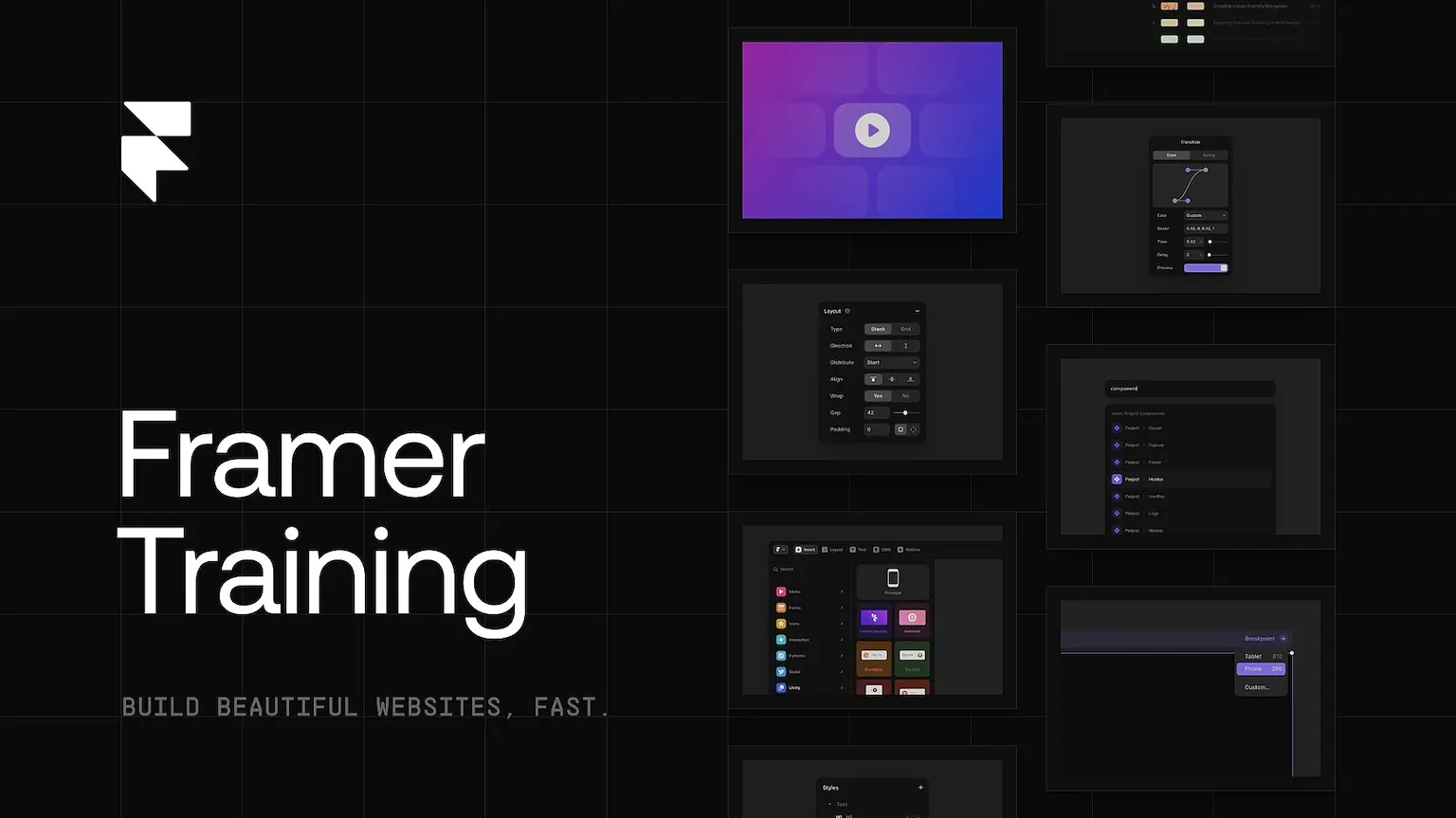
Traf – Framer Training is a compact Framer course archive built around eight large module videos plus an asset ZIP and remix reference file. The current product description maps those modules to Framer fundamentals, components, CMS, effects and motion, responsive design, embeds, custom code overrides, settings and SEO meta tags. Explore more web and interface training on Courses On Budget.
What Is Traf – Framer Training?
The archive is compact, but the current curriculum description is broad: it touches layout, reusable styles, components, CMS, motion, responsive behavior, embeds, code overrides and SEO metadata. That makes it a practical “system overview” option for someone who prefers fewer, longer modules.
What You Actually Get
Verified Content Highlights
- Introduction material covering course orientation, Framer versus other tools, interface walkthrough and a pre-design checklist.
- Core concepts around type, graphics, images, stack/grid-based layouts, positioning, sizing and reusable text/color styles.
- Components and content systems: variants, variables, interaction states, code components, plugins, CMS collections, sorting/filtering and CMS-generated pages.
- Effects/motion plus production details: scroll transforms and variants, responsive design, overlays/embeds, custom code overrides, settings, SEO meta tags and workflow shortcuts.
Buyer-Fit Snapshot
| Decision point | What the verified archive shows |
|---|---|
| Course shape | 8 main MP4 modules plus supporting assets rather than hundreds of micro-lessons. |
| Core design coverage | Type, images, stacks/grids, positioning, sizing and reusable styles. |
| System coverage | Components, CMS, motion/effects, responsive design, embeds, custom code and SEO metadata. |
| Verified archive | 2.63 GB, 10 files total: 8 MP4 modules, 1 ZIP asset package and 1 TXT remix file. |
| ▶ |
See a real lesson from this course
Unedited sample from the actual files. No login, no signup.
|
Complete Traf – Framer Training Index
Open the sections below to inspect the supplied archive before buying. File names and sizes are reproduced from the provided index/current product listing; the accordions are only a readability layer.
Archive root files
- 00-Assets.zip (18.16 MB)
- 00-Remix.txt (142.00 B)
- 01-Framer_Training________Module_01.mp4 (200.26 MB)
- 02-Framer_Training________Module_02.mp4 (603.71 MB)
- 02-Framer_Training________Module_03.mp4 (256.41 MB)
- 04-Framer_Training________Module_04.mp4 (398.44 MB)
- 05-Framer_Training________Module_05.mp4 (525.84 MB)
- 06-Framer_Training________Module_06.mp4 (270.17 MB)
- 07-Framer_Training________Module_07.mp4 (76.94 MB)
- 08-Framer_Training________Module_08.mp4 (341.92 MB)
Tim Gabe – Framer Zero to Hero →Ryan Hayward – Ultimate Framer Masterclass 3.0 →Shift Nudge – Interface Design Course →
Browse more in Design Courses, use the permanently updated Design Courses Cheap index, or check latest catalog updates.
External reference: Framer animations and effects guide — official Framer documentation that aligns with the motion/effects topics listed on the product page.
For newly added programs and catalog changes, see Courses On Budget Updates. The main Courses On Budget catalog is the starting point for all categories.



Reviews
There are no reviews yet.