
Google Ads 450$ Threshold Account Creation: From Gmail to Account in Eight Steps
Short courses win when the job is narrow. This one is narrow on purpose: no theory about bidding or creatives, only the account creation process from the first Gmail to the final card setup.
The page lists the lessons in the order you would actually perform them, so you can follow along on screen instead of piecing together forum threads.
Course at a glance
| Detail | Info |
|---|---|
| Course | Google Ads 450$ threshold account creation |
| Author | Not named on the page |
| Niche | Ecommerce courses / Google Ads account setup |
| Format | 8 MP4 lessons |
| Language | English |
| Lessons / Files | 8 video files |
| Delivery | Fast delivery after payment |
| Support | Chat support mentioned on the page |
Lesson Order: What You Do in Each Step
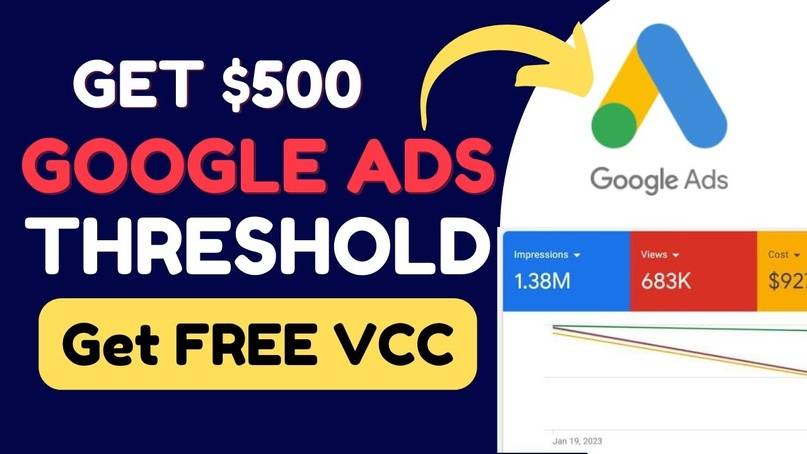
The page text also refers to the threshold approach in 2023 and virtual cards for Google Ads. Because ad platforms change their checks over time, treat this as a process guide and verify each step against current Google rules.
Full Google Ads 450$ threshold account creation lesson list
- 01. How to get aged gmail account for adword creation
- 02. Creating the free VPS without spending
- 03. How to get VPS password, connect and set up the VPS for creating an adword account
- 04. Connect the VPS with Windows username and password via remote desktop
- 05. Install the main tools and set up the anti-ban setup
- 06. Setting up the VPS and installing the needed tools
- 07. How to create an adword account with ban resistance and farm it for 7 days
- 08. BIN and VCC with creation method
Learning by forum hunting vs one ordered walkthrough
| Factor | Piecing it together | This walkthrough |
|---|---|---|
| Order of steps | You guess the sequence | Eight lessons numbered 01 to 08 |
| Setup environment | Unclear tools and servers | VPS, remote desktop and tools covered |
| Account warm-up | Often skipped | A lesson on farming the account for 7 days |
| Time to watch | Hours of searching | Eight short MP4 files |
The coupon page is open to every buyer on Courses On Budget.
- Short, focused and in order
- Shows server and tool setup, not only account screens
- Quick to watch
- Clear lesson names
- Methods that rely on platform checks can change or stop working
- No author named and no written guide on the page
- Always review Google Ads policies before using any method
Google Ads 450$ Threshold Account Creation FAQ
What is the Google Ads threshold method described on the page?
The page describes a Google AdWords threshold method, mentions 2023, and promises lessons on creating an account, a virtual card for Google Ads and the threshold approach. The product name refers to a 450 dollar threshold.
How many lessons are included?
The page lists 8 files: aged Gmail accounts, a VPS setup, connecting by remote desktop, installing tools, creating and farming an account for 7 days, and a lesson on BIN and VCC with the creation method.
Is there an index of videos on the page?
Yes, the page shows an eight-item list of MP4 files with their sizes, all sized between roughly 3.5 MB and 16 MB, so the lessons are short and to the point.
How do I pay and receive the files?
Pay with crypto and delivery is fast. See the how to pay on site page and the cryptocurrency guide for the full steps, or use chat support.
If account creation is your sticking point, this walkthrough saves hours of searching and shows the whole path in eight short videos. Review the lesson list, then take it today.



Reviews
There are no reviews yet.