

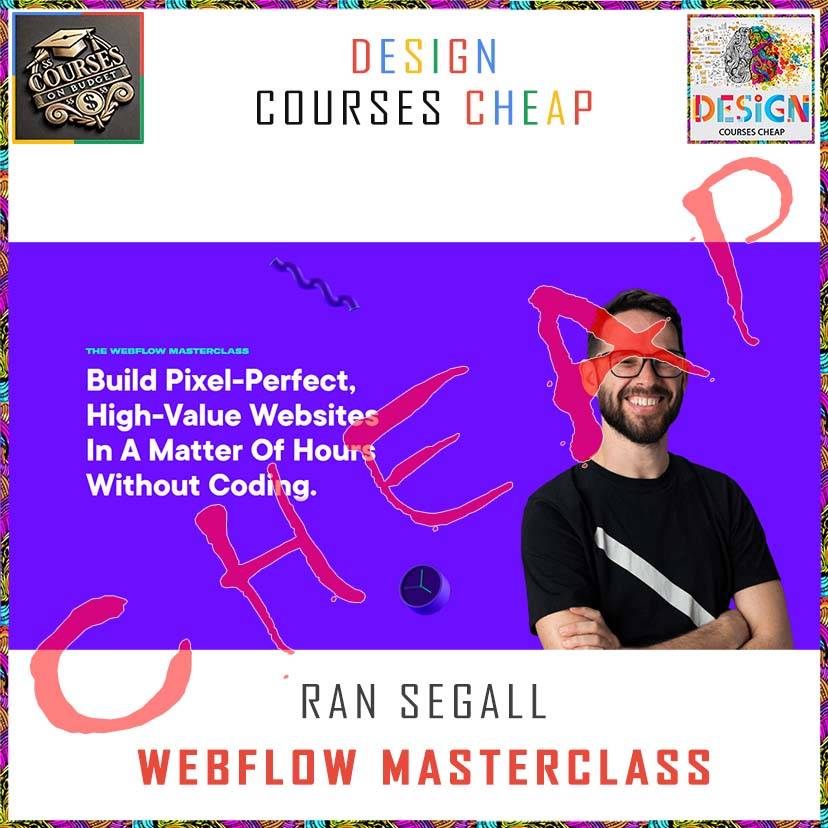
Ran Segall – Webflow Masterclass is presented here from the verified course structure and the current product information — without inventing modules, bonuses or outcomes. Browse more premium training on Courses On Budget.
Ran Segall Webflow Masterclass — What This Course Actually Covers
A practical Webflow training path built around real site construction, responsive design, CMS, interactions, client delivery, e-commerce and an advanced end-to-end client website build.
Instead of selling the course with vague hype, this page shows the curriculum itself. That makes it easier to decide whether the training matches your current skill level and goals before you buy. Use coupon code 5050 at checkout for the current extra 50% offer shown on Courses On Budget.
What You Get
- 9 core modules are stated on the current product page
- 12+ hours of video lessons are stated on the current product page
- Advanced case studies, challenges and exercises
- CMS, interactions, responsive layouts, SEO, analytics and client handoff
- E-commerce plus a complete advanced client website build
Structured Course vs. Random Tutorial Hopping
The useful comparison is not a fake claim that one course is “better than everything.” It is whether you want one indexed path or disconnected resources:
| Learning route | What you get | Best use |
|---|---|---|
| Ran Segall – Webflow Masterclass | Structured curriculum with the indexed lessons and resources listed below. | Following one coherent course path. |
| Scattered free tutorials | Separate videos and articles chosen one by one. | Filling a specific knowledge gap. |
Real Course Samples
These sample links were already attached to the existing Courses On Budget product page and are preserved here.
Complete Ran Segall Webflow Masterclass Course Index
Open each section to inspect the verified lesson and resource structure. Large modules are collapsed by default so the product page remains readable on desktop and mobile.
01-Welcome
- 01- How to make the most of this program – Flux Academy.pdf (335.45 KB)
- 01-How to make the most of this program – Flux Academy.mp4 (149.20 MB)
02-Getting Started With Webflow
- 01-Webflow VS other platforms – Flux Academy.mp4 (9.13 MB)
- 02-01 – Getting Started.pdf (6.46 MB)
- 02-Basic HTML _ CSS concepts – Flux Academy.mp4 (30.10 MB)
- 03-Simple site with Webflow demo – Flux Academy.mp4 (448.44 MB)
- 04-Layout Basics – Flux Academy.mp4 (129.34 MB)
- 05-Interactions Basics – Flux Academy.mp4 (25.49 MB)
- 06-Responsive Websites (The -Mobile Version-) – Flux Academy.mp4 (23.40 MB)
- 07-Basic Webflow Components – Flux Academy.mp4 (124.30 MB)
- 08-Using Symbols – Flux Academy.mp4 (18.09 MB)
03-Structuring & Styling Principles
- 01-02 -Structuring & Styling Best Practices.pdf (3.96 MB)
- 01-Styling principles – Flux Academy.mp4 (155.77 MB)
- 02-How to structure websites efficiently – Flux Academy.mp4 (16.05 MB)
- 03-Advanced layout- Flexbox – Flux Academy.mp4 (17.98 MB)
- 04-Columns with Grid VS Flexbox – Flux Academy.mp4 (135.06 MB)
- 05-Advanced layout- Positioning – Flux Academy.mp4 (137.74 MB)
04-Process Examples
- 01-Rainfall-site-for-Ran.sketch (13.14 MB)
- 01-Sketch to Webflow- Building a company one-pager (real client example) – Flux Academy.mp4 (470.72 MB)
- 02-Custom Layout Restaurant Website- Building momofuku Website in 37 Minutes – Flux Academy.mp4 (306.83 MB)
- 02-Momofuku-Assets.zip (2.77 MB)
05-Content Management System – CMS
- 01-Understanding the CMS – Flux Academy.mp4 (96.54 MB)
- 02-How to use the CMS (Step by Step) – Flux Academy.mp4 (367.84 MB)
- 03-Adding editors – Flux Academy.mp4 (5.64 MB)
06-Advanced Interactions
- 01-Understanding Interactions.mp4 (10.63 MB)
- 02- Creating Popups.mp4 (126.98 MB)
- 03- Reveal on scroll.mp4 (17.10 MB)
- 04-Horizontal scroll effect.mp4 (29.70 MB)
- 05-Unconventional Menu.mp4 (109.76 MB)
- 06- Conditional Visibility (Advanced Dynamic Content).mp4 (20.22 MB)
- 07-Custom Checkbox Style & interaction.mp4 (17.12 MB)
07-Finalising & Delivering Websites
- 01-The process of delivering.mp4 (109.22 MB)
- 02-Setting Up SEO.mp4 (24.86 MB)
- 03-Setting Up Forms.mp4 (24.50 MB)
- 04-Setting Up Analytics.mp4 (2.66 MB)
- 05-Social Sharing (Social Graph).mp4 (10.47 MB)
- 06-Transferring Websites To Clients.mp4 (20.79 MB)
- 07-Connecting your website a domain.mp4 (148.49 MB)
- 08-CMS training for clients.mp4 (14.04 MB)
- 09-Exporting to WordPress with Udesly.mp4 (119.47 MB)
08-Selling Webflow to clients
- 01-Understanding your clients needs.mp4 (35.15 MB)
- 02-How Webflow is different (and better) then WordPress.mp4 (218.01 MB)
- 03-Handling privacy -GDPR issues.mp4 (49.80 MB)
- 04-Can we trust Webflow-.mp4 (40.72 MB)
- 05-Pricing Webflow websites.mp4 (97.05 MB)
- 06-When not to sell .mp4 (61.72 MB)
- 07-Complete Web Design Proposal.pdf (72.19 KB)
- 07-The perfect Webflow website proposal.mp4 (176.31 MB)
- 07-Webflow Development Proposal.pdf (195.81 KB)
09-E-commerce
- 01-Webflow’s E-commerce VS Integrating a 3rd party solution.mp4 (13.96 MB)
- 02-E-commerce Overview.mp4 (11.65 MB)
- 03-Planning for the E-commerce CMS.mp4 (24.17 MB)
- 04-Building The Product Page.mp4 (14.22 MB)
- 05-The Cart Button.mp4 (6.09 MB)
- 06-Setting Up The Store, Testing & Publishing.mp4 (17.24 MB)
10-Advanced Webflow Usecases
- 01-Bi-lingual Websites.mp4 (75.40 MB)
- 02-Awesome effects with custom code .mp4 (98.57 MB)
- 03-Building Product UI with Webflow.mp4 (7.47 MB)
11-Complete Client Website Build (Advanced)
- 01-Project Plan.mp4 (85.85 MB)
- 02-Project Setup & Fonts.mp4 (12.41 MB)
- 03-Creating The Style Guide.mp4 (151.41 MB)
- 04-Setting up the CMS & dummy content.mp4 (102.05 MB)
- 05-Building The Homepage.mp4 (591.27 MB)
- 06-Mobile Responsivness.mp4 (335.73 MB)
- 07-CMS Item Page.mp4 (436.32 MB)
- 08-Bio Collection Page.mp4 (195.81 MB)
- 09-About Page.mp4 (672.11 MB)
- 10-Experiences Page.mp4 (302.79 MB)
- 11-Product Page.mp4 (659.94 MB)
- 12-Search Results Page.mp4 (259.21 MB)
- 13-Interactions.mp4 (351.94 MB)
- 14-Last Setups.mp4 (29.37 MB)
- 15-Recording Client Training.mp4 (119.04 MB)
12-Conclusion & What's next
- 01-What's next-.mp4 (80.32 MB)
Where This Course Fits in the Catalog
Browse Design Courses and the curated Design Courses Cheap collection. For newly added programs, see Courses On Budget Updates.
Useful Official Resources
For platform documentation and complementary reference material: Webflow University • Webflow.
Ran Segall Webflow Masterclass FAQ
What is included in this Courses On Budget version?
The indexed package below contains 74 listed content files, including 67 video files and related documents/resources where present in the verified index.
Who is this course best for?
Designers and freelancers who want a broad Webflow curriculum with practical builds and client-delivery topics.
Where can I browse related courses?
Browse the Design Courses category or the curated Design Courses Cheap list, and check latest course updates.
If the modules above match what you want to learn, Ran Segall – Webflow Masterclass gives you a clearly indexed route through the subject. If they do not, compare the related courses before purchasing rather than choosing on the title alone.
Buy through the official Courses On Budget site and use the product link below.
Reviews
There are no reviews yet.